Choose JPG or PNG
Use the Output format setting before converting. JPG is the default, and the choice applies to your whole batch.
Photo utility
Android app · Android
Convert WebP to JPG or PNG in batches. Keep transparency or choose JPEG quality.
Convert WebP images to JPG or PNG for sharing, documents and everyday image tasks. Pick adjustable JPEG quality, or PNG to preserve transparent backgrounds.
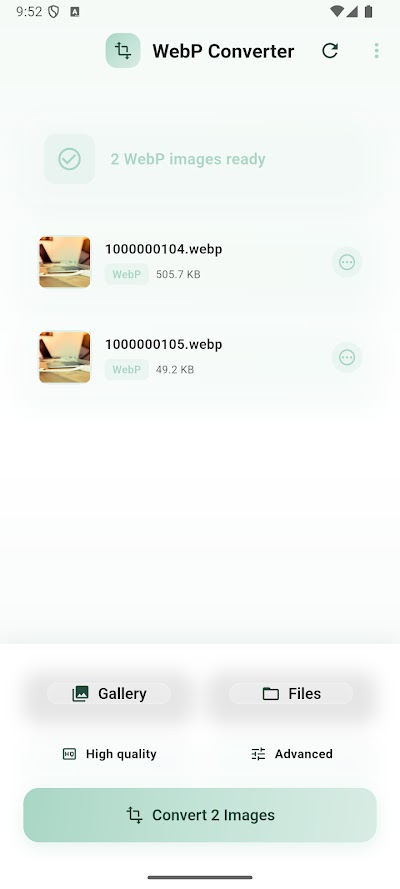
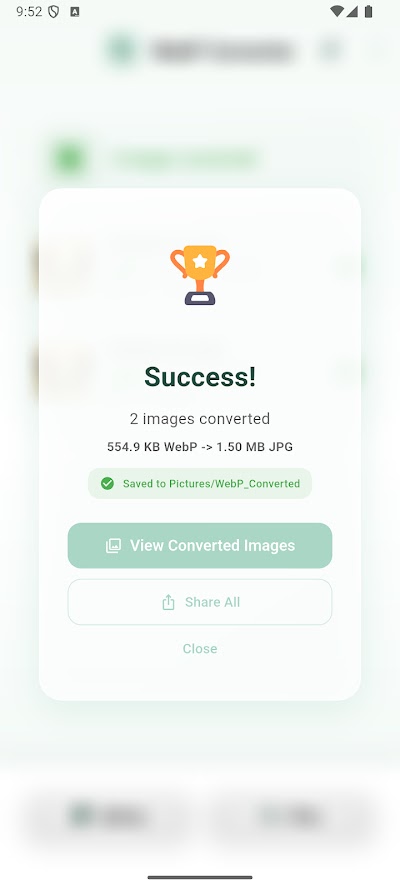
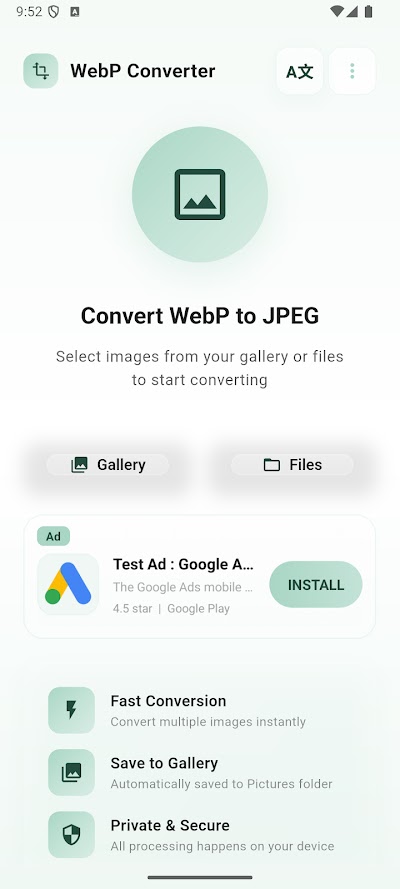
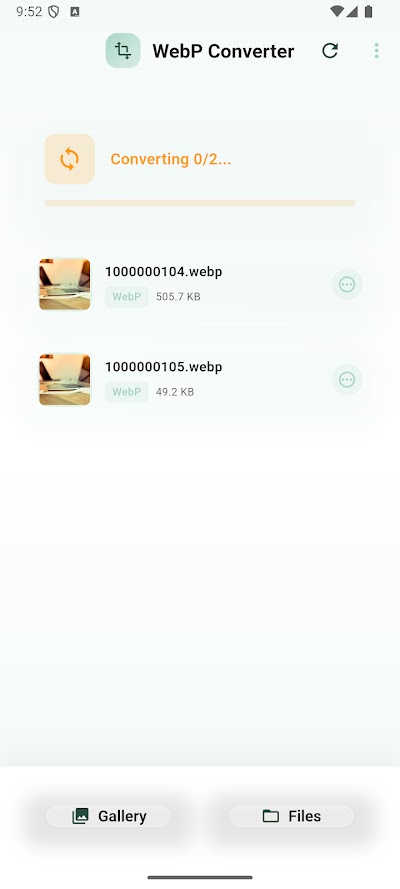
Use the Output format setting before converting. JPG is the default, and the choice applies to your whole batch.
Select WebP images from your gallery or file picker and follow the progress of each conversion.
Pick High, Medium or Small size in Advanced settings. Transparent areas become white in JPG output.
Choose PNG for WebP graphics with transparent backgrounds. PNG output is lossless and doesn’t use the JPG quality setting.
View converted images and pinch to zoom. Results are saved to the WebP_Converted gallery album and can be shared from the app.
Choose an app language from the menu, or follow your device’s language setting.
Animated WebP files become still images using the first frame; animation is not preserved.
Not always. Output size depends on the source image and selected format.
No. PNG preserves the decoded image without adding compression, but it can’t restore detail already lost in the source WebP.
Available on Google Play. Questions? Email nippydeveloper@gmail.com.
GET IT ONGoogle Play Photo Dump
 JXL Converter
 HEIC to JPG
 MOV to MP4