Batch conversion
Select multiple MOV videos from your Gallery or Files and convert them together.
Video utility
Android app · Android
Convert MOV videos to MP4 in batches, then save or share on Android.
Convert MOV videos to MP4 on your Android device with a focused workflow. Choose videos, review the queue, start the conversion and follow progress as each video is processed.
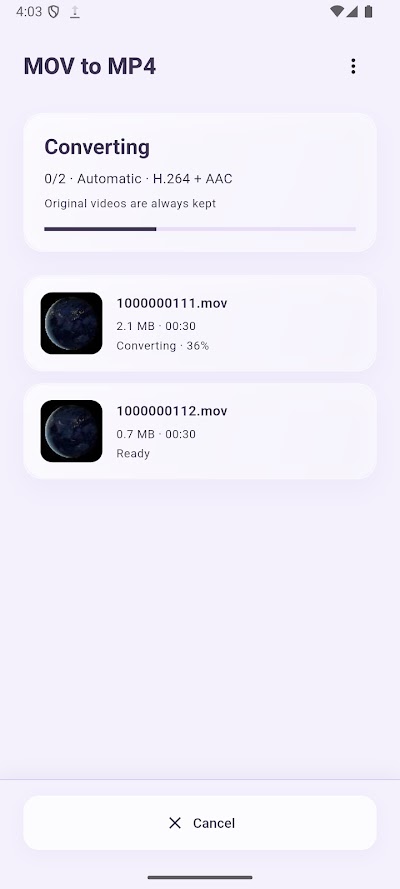
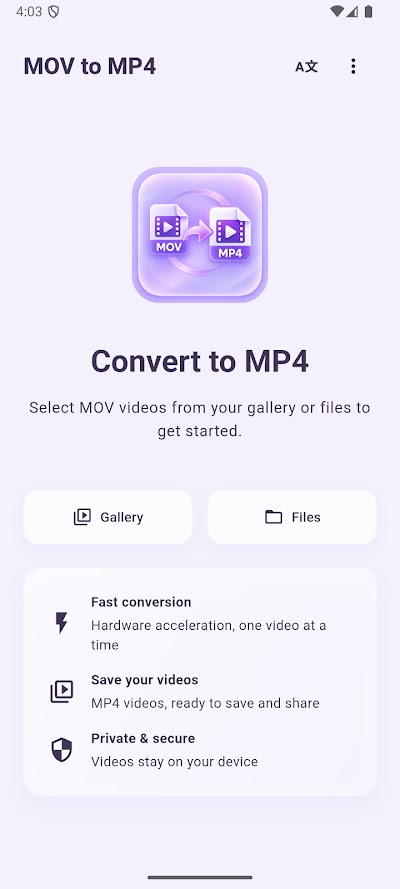
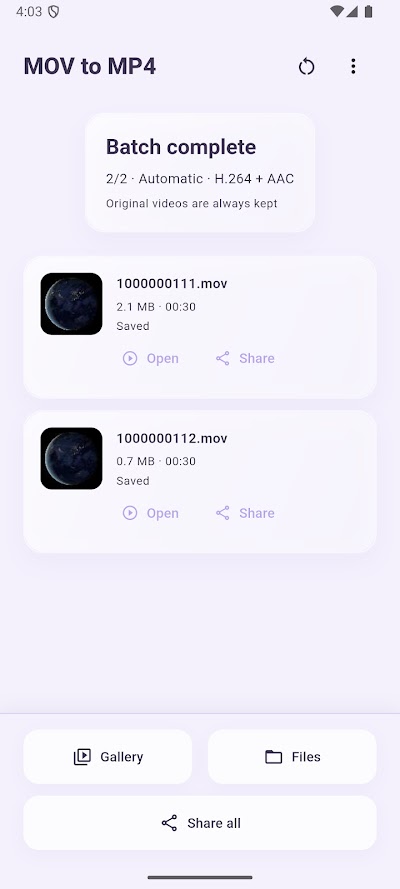
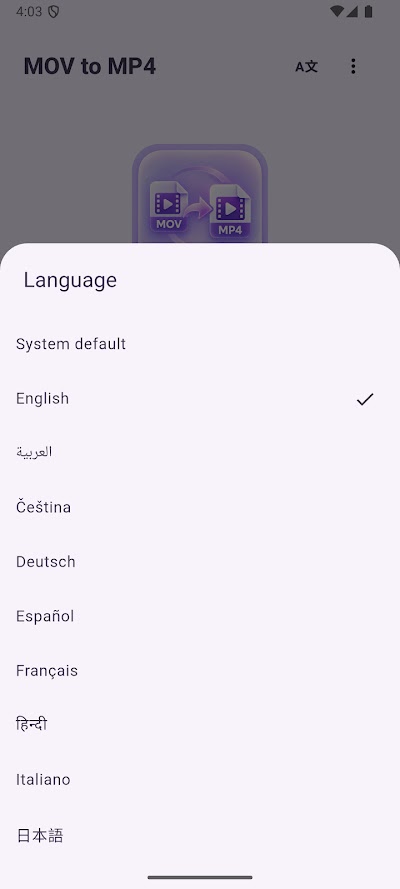
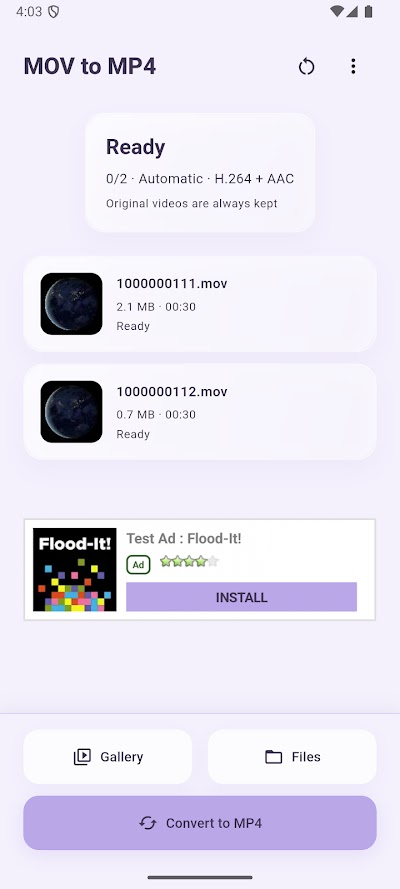
Select multiple MOV videos from your Gallery or Files and convert them together.
Creates H.264 MP4 video with AAC audio when audio is present.
Your original videos are kept unchanged. Converted copies are saved to your device.
Open an MP4 in another player, share one converted video, or share the completed batch.
Cancel a running batch and retry failed or interrupted items without starting over.
On Android 10 and later, videos are saved to Movies/MOV_to_MP4. On Android 6–9, use the system Save As picker.
Videos are processed on the device and video content isn’t uploaded. The app uses network services for ads, analytics and crash reporting, so check the privacy policy and Data safety section.
Compatibility depends on your device’s codecs, resolution and HDR support. Some tracks, subtitles, metadata or slow-motion behavior may not be kept.
Re-encoded video isn’t lossless and may not be smaller than the original.
Available on Google Play. Questions? Email nippydeveloper@gmail.com.
GET IT ONGoogle Play Photo Dump
 JXL Converter
 HEIC to JPG
 WebP to JPG & PNG