Fast batch conversion
Convert multiple HEIC or HEIF images at once instead of one by one.
Photo utility
Free · supported by ads · Android
Convert HEIC and HEIF images to JPEG with ease.
Many Android devices can’t open HEIC images from iPhones. This app solves that instantly with a clean, easy interface, converting on your device and saving to your gallery.
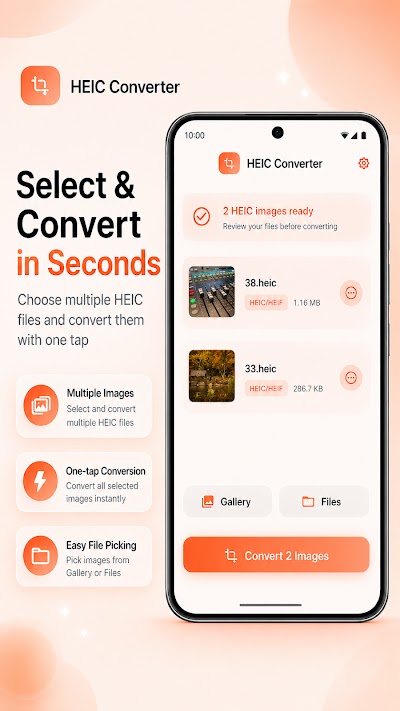
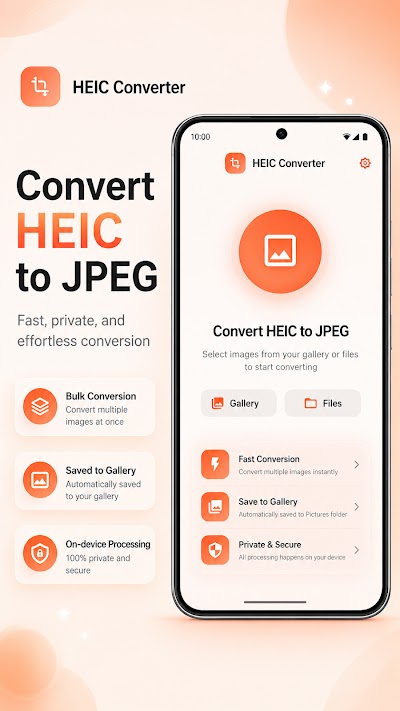
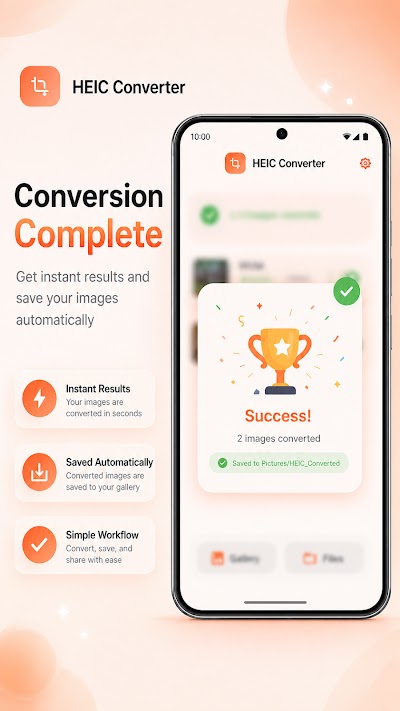
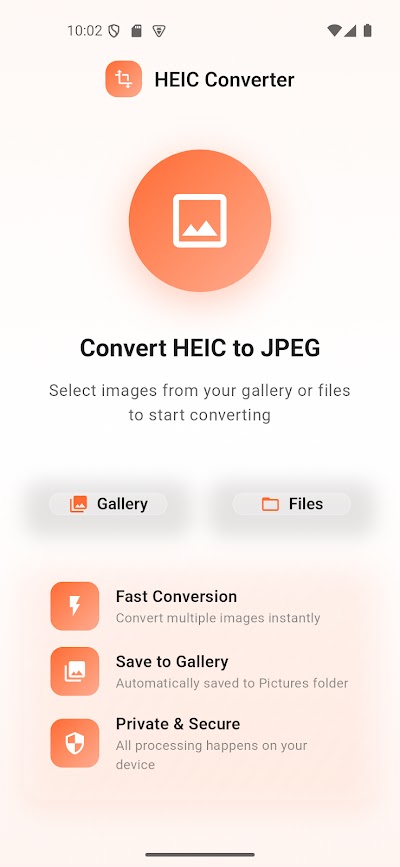
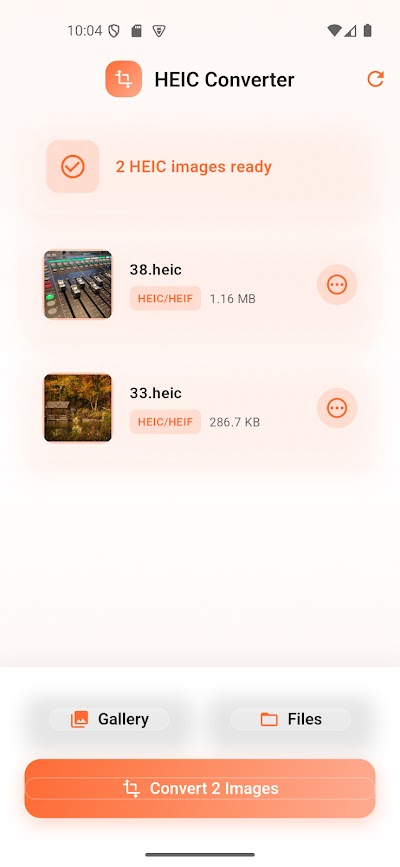
Convert multiple HEIC or HEIF images at once instead of one by one.
Select HEIC images from the gallery or Files, tap Convert, and your JPEGs are saved to Pictures.
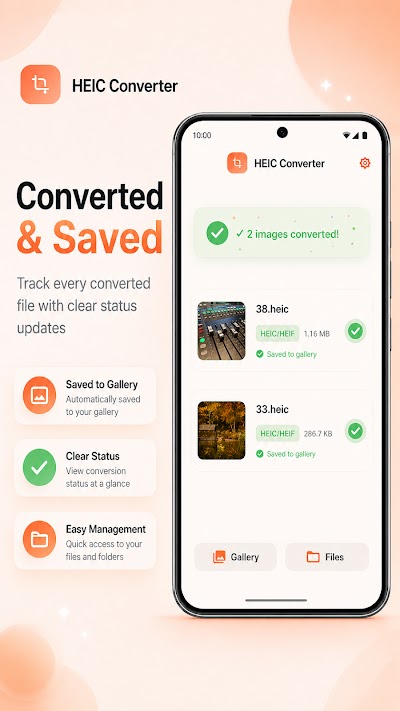
Converted images are automatically saved so they’re ready to share.
Photos are converted on your device and are not uploaded anywhere.
A glass-morphism interface with an orange theme, smooth animations, haptic feedback and hero transitions.
Choose images from the Gallery or the Files app.
Yes. It’s free to use and supported by ads shown by Google AdMob, which may collect data as described in its privacy policy.
Only to load ads. The conversion itself works on your device.
HEIC images from iPhones often can’t be opened on Android. Converting to standard JPEG makes them compatible.
Available on Google Play. Questions? Email nippydeveloper@gmail.com.
GET IT ONGoogle Play Photo Dump
 JXL Converter
 WebP to JPG & PNG
 MOV to MP4