Convert to 10 formats
JPG, PNG, WebP, GIF, BMP, TIFF, TGA, ICO, CUR and PVR.

Image utility
Android app · Android
Batch convert HEIC, JPG, PNG & WebP on-device. Keep originals and save results.
Convert images in mixed-format batches on your Android device. Choose an output format, resize or adjust quality, then save to organised folders or Files, or share.
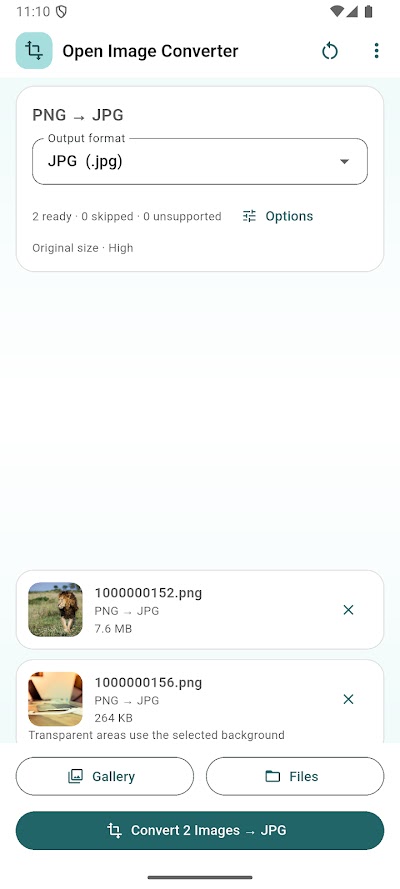
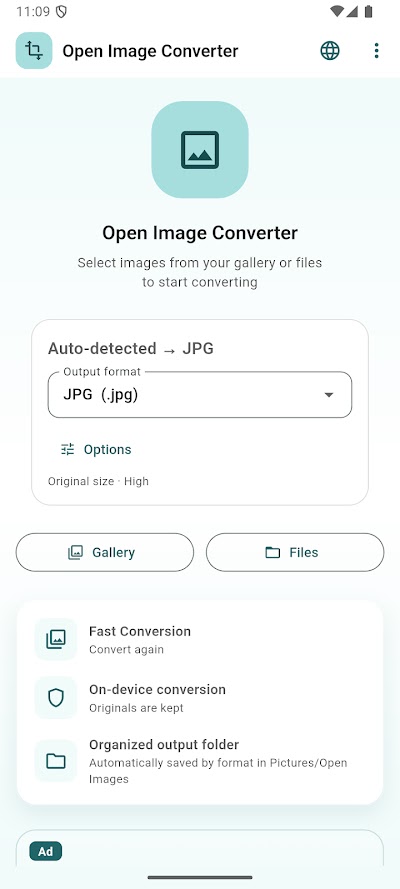
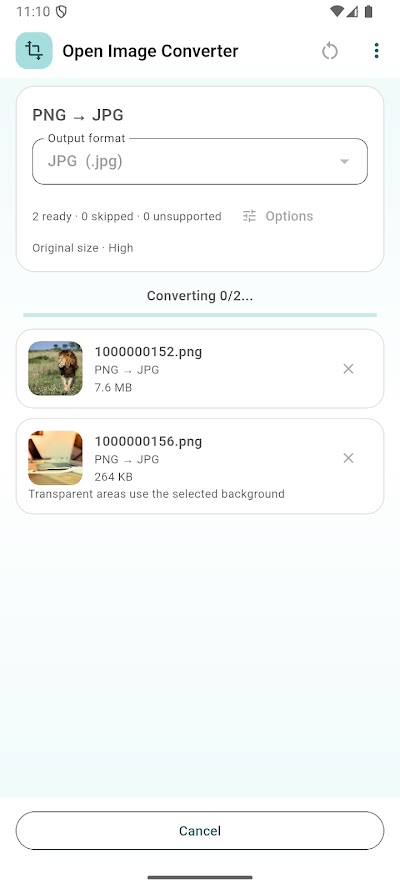
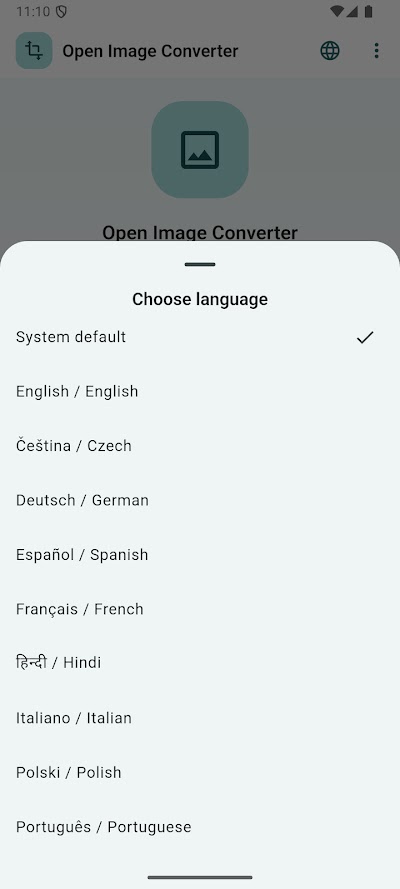
JPG, PNG, WebP, GIF, BMP, TIFF, TGA, ICO, CUR and PVR.
HEIC/HEIF, JPG, PNG, WebP, GIF, BMP, TIFF, TGA, ICO, PVR, PSD, EXR and PNM, when supported by your device and decoder.
High, balanced or smaller-file quality for JPG and WebP, WebP lossless, resize by longest edge, and a background for formats without transparency.
Remove personal image metadata during export, and keep originals while creating new files.
See detected formats, status, skipped and unsupported files, and retry failed conversions without starting over.
Save to organised Pictures/Open Images folders, export to Files, open outputs or share them all.
Animated GIF/WebP and multi-page TIFF files are converted as the first frame or page in this release.
Image conversion runs on your device and the pipeline doesn’t upload selected or converted files. The app includes analytics and ads; see the privacy policy.
Very large inputs may be rejected to protect device stability, and HEIC decoding can vary by device.
Available on Google Play. Questions? Email nippydeveloper@gmail.com.
GET IT ONGoogle Play Photo Dump
 JXL Converter
 HEIC to JPG
 WebP to JPG & PNG