Explore the satellite sky
A radar-style sky view of detected satellites. Identify constellations and satellites used in the fix, with North-up or Compass orientation.
GPS diagnostics
Android app · Android
View GNSS satellites, test GPS reception and save diagnostic reports.
Check your phone’s GPS reception with a GNSS satellite viewer. See satellites above you, inspect their signals and run a diagnostic session to review your device’s location readings.
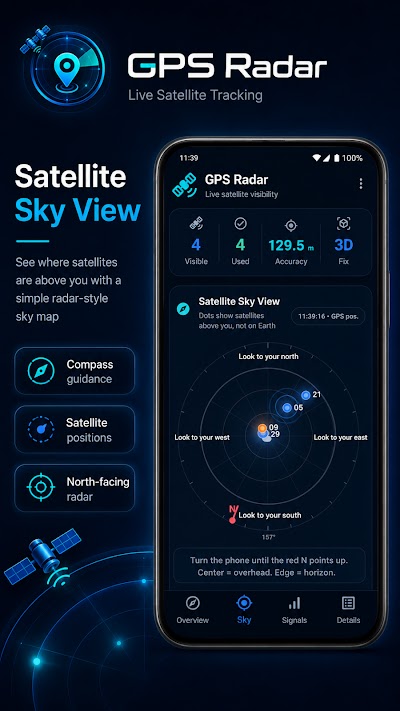
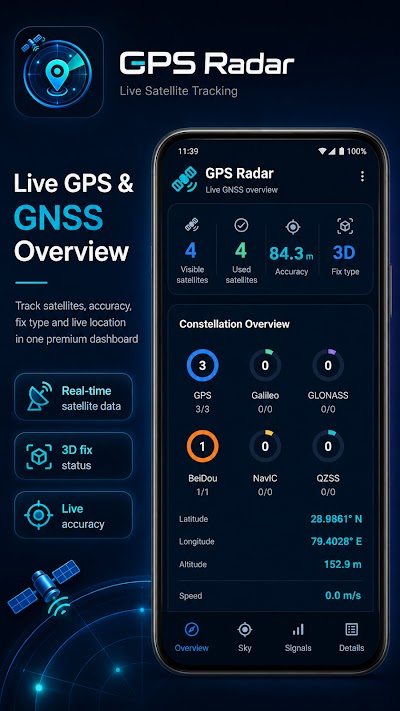
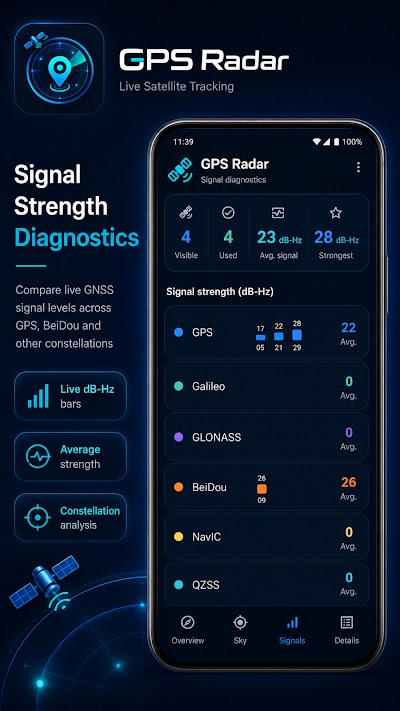
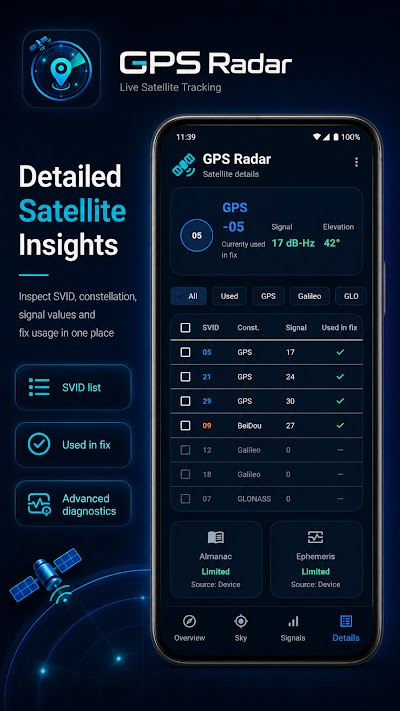
A radar-style sky view of detected satellites. Identify constellations and satellites used in the fix, with North-up or Compass orientation.
See whether a fresh GNSS fix is confirmed, check estimated horizontal accuracy, and review latitude, longitude, altitude, speed and direction.
Compare scaled C/N0 bars in dB-Hz, filter by constellation or satellites used in the fix, and sort by strength or ID.
Start a 30-second session to measure time to the first fresh, confirmed fix and review changes in accuracy.
Review test history, compare your last two sessions, share a result or export samples as a CSV report.
Copy coordinates, share a position or open it in a map app. Choose decimal degrees or DMS, and km/h, mph or m/s.
No. The receiver may already be active, so it is a session test rather than a cold-start benchmark. Keep the app open under a clear view of the sky.
Saved reports can include the location observed during the test. Choose what you share.
Readings such as speed, direction and compass orientation appear when reported by your device and sensors.
Available on Google Play. Questions? Email nippydeveloper@gmail.com.
GET IT ONGoogle Play Ampere Stats
 Photo Dump
 JXL Converter
 Clickmeals