Scan documents
Capture with guided edge detection or pick from your gallery, then correct the framing and keep scanning for multipage documents.
Document scanner
Android app · Android
Scan to PDF, extract text offline, organize documents, print and share.
Turn receipts, notes, forms, IDs and other paper documents into clear, organized PDF files, with guided capture, multipage PDFs and offline English text recognition in a local-first workflow.
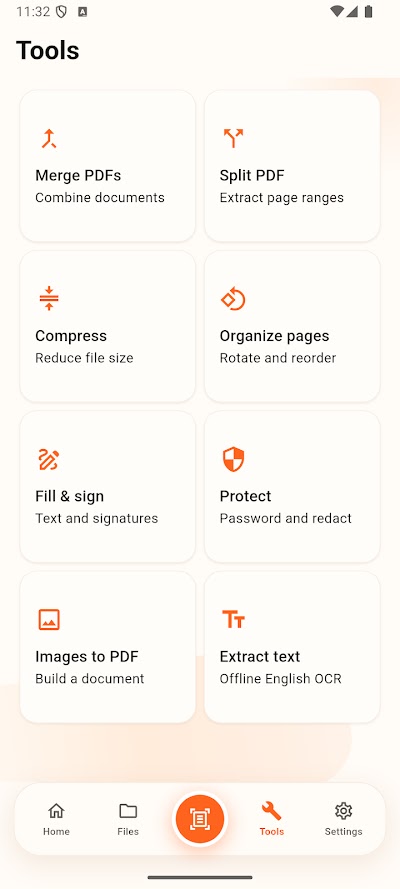
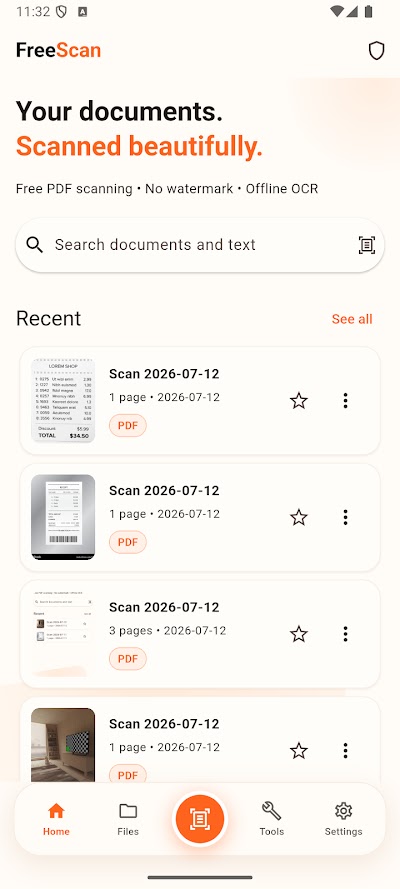
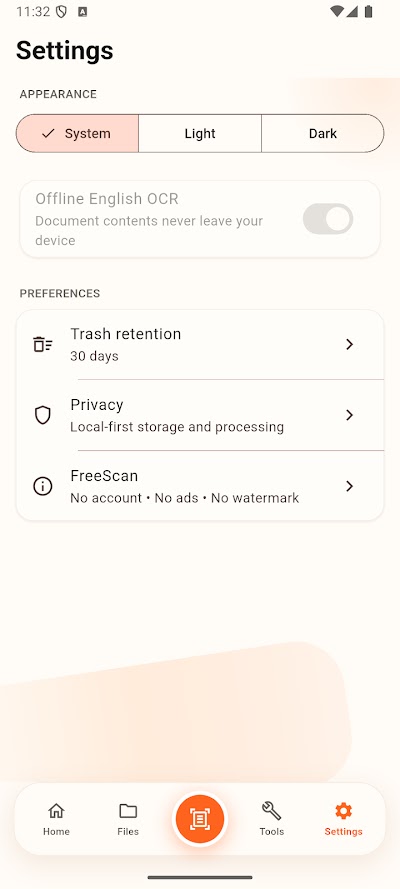
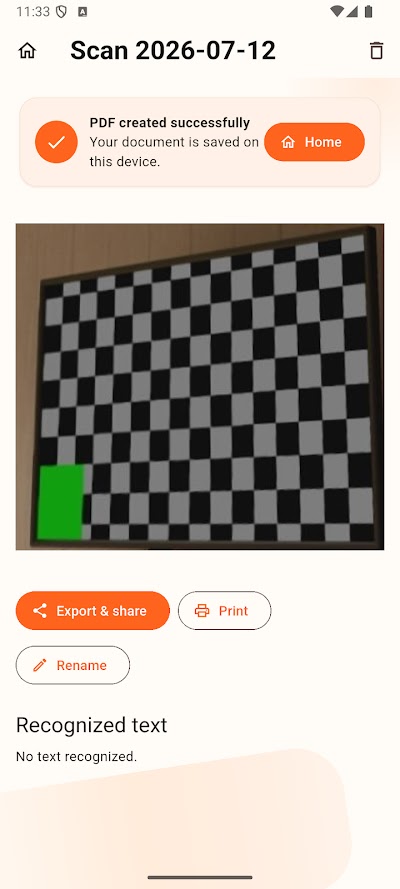
Capture with guided edge detection or pick from your gallery, then correct the framing and keep scanning for multipage documents.
Preview captured pages and drag them into the order you need before creating the PDF.
Recognized text is stored with the document so you can search scans by content, without an external OCR service.
Rename, favorite and search documents. Trashed items can be restored for 30 days before automatic removal.
Create a PDF on-device, share it through installed apps, or print through an Android printing service.
Scans, text and exports stay on your device unless you choose to share, print or save them elsewhere. No account is required.
The current release does not display ads. A future version may include clearly identified ads; Play declarations and privacy disclosures would be updated first.
It refers to flexible, free-form page selection: adjust the detected area and choose the part of the image to keep.
No. Recognition is offline and English-only, and documents aren’t uploaded to an external OCR service.
Available on Google Play. Questions? Email nippydeveloper@gmail.com.
GET IT ONGoogle Play Obscura Vault
 Authly
 Photo Dump
 JXL Converter